Designing and building Ribbonlab: A free 3D background generator, from the first wave to a live product
Ribbonlab is a free browser editor for 3D ribbon backgrounds. You tune a ribbon wave by eye, then export a PNG, a video, a GIF or a line of code that puts the live ribbon on any website. I designed and built it on my own in two weeks of October 2026: the product decisions, the interface, the WebGL rendering, the server and the launch. This piece goes through the decisions that shaped it.
Why I built it
Animated 3D gradients are a common way to make a landing page look expensive. When I searched for an animated ribbon background, most results were Framer Marketplace components, some of them sold in paid bundles, each tied to one site builder and a fixed look.
I wanted one editor where a designer shapes the ribbon by eye and then uses it anywhere, for free. I also wanted to see how far a product gets in two weeks when one person decides what to build, designs it and writes it. Claude Code wrote most of the code. I made the product and design decisions and checked every change in the browser.
What the editor does
The page is the ribbon, with one panel on the right. You turn the ribbon by dragging, zoom with the scroll wheel and flip through presets with the arrow keys. The panel is split into folders: Color, Adjustments, Shape, Surface, Effects, Motion and View.
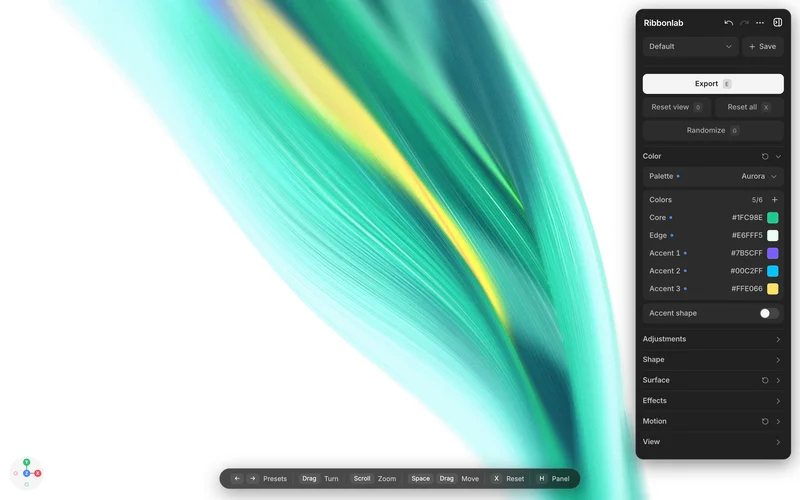
- 53 palettes in groups by hue, each with two to six colors you can change.
- 23 surface textures, from silk and satin to glitter, brushed metal and fibre optic.
- Six effects: bloom, chromatic aberration, depth of field, pixelation, dithering and CRT.
- Ten presets, finished ribbons to start from.
- Export to PNG, JPG or WebP, to MP4, WebM or GIF, or to code for a website.
A panel for tuning by eye
People tune a background by looking, so the panel is built for trying things. Every change can be undone. Each folder has a dice button, and Randomize shuffles everything. The random ranges are limited to values that look good, loud settings come up less often, and the shape stays near the default, so a random ribbon is still usable. Picking a new palette keeps the adjustments you made.
Small things got the same attention as features. I compared three ways for the panel to open and four ways for its rows to appear, side by side in the live editor, and kept one. Clicks and slider ticks make a quiet sound synthesized in the browser, at a quarter of the volume I started with.
Surfaces
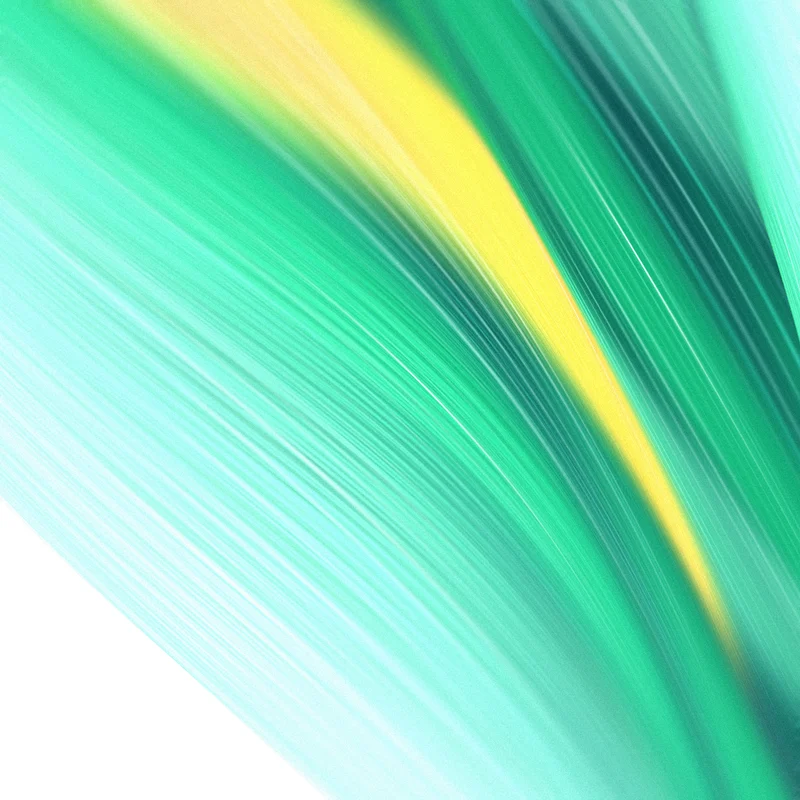
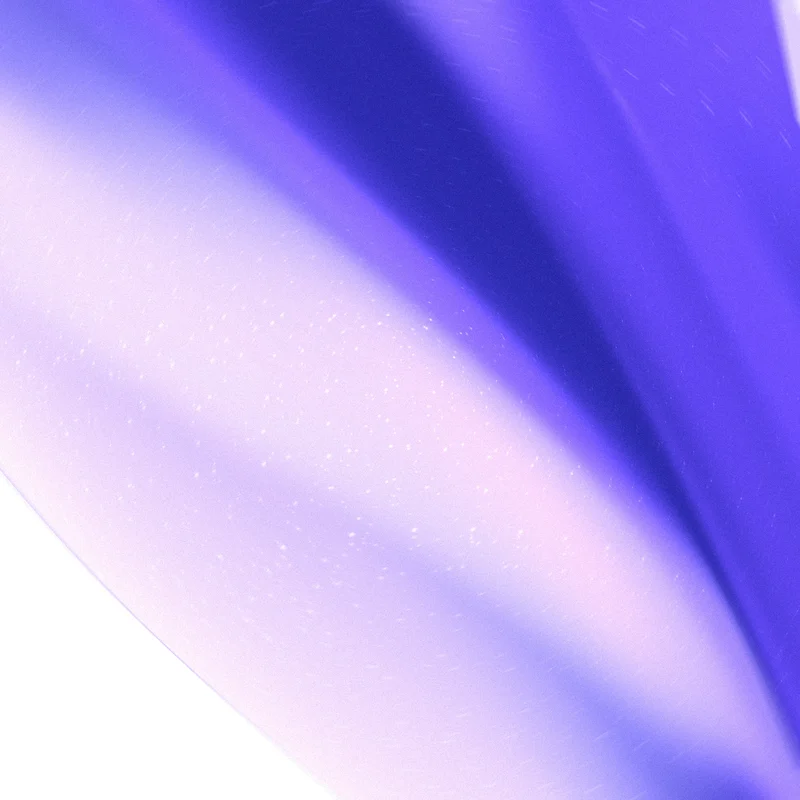
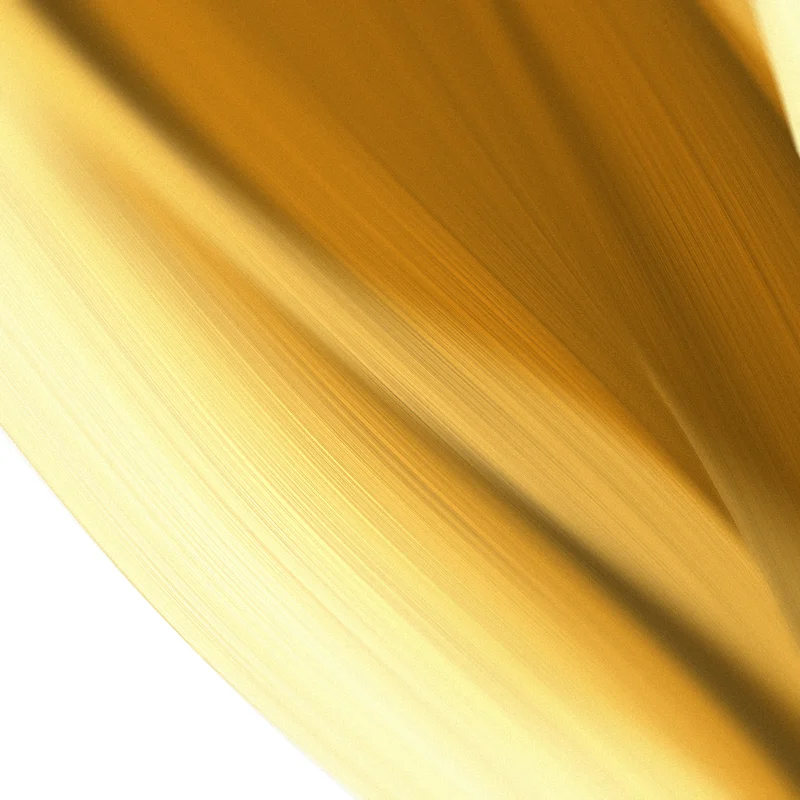
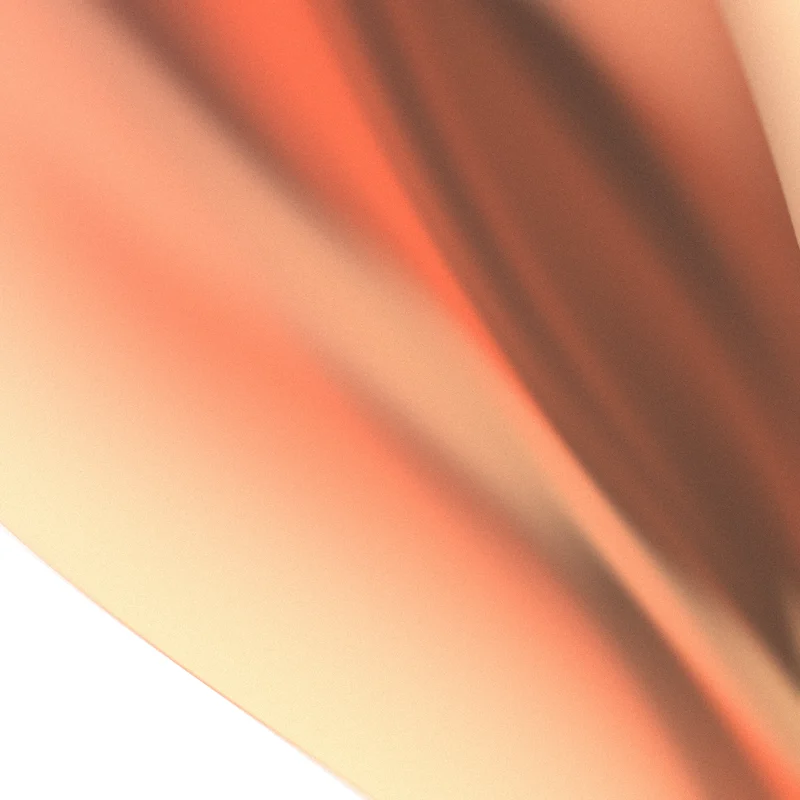
The textures took the most rounds. The first silk read like a muscle with veins: the threads were thick and contrasty. It became much finer threads with a highlight that slides along the fibre as the ribbon turns, which is what makes real silk read as silk. Glitter is scattered over two turned layers, so no rows show, and each flake twinkles on its own beat. Later all textures were relit in the palette’s own colors, so chrome and pearl stop looking grey on a colored ribbon.
Presets, decided by removing
New visitors need a good ribbon before they touch a slider. I prototyped sixteen ways to show the presets in two rounds: galleries, docks, rails, a command menu, swatches in the panel. The one that stayed is the smallest. The left and right arrow keys flip presets with a crossfade, and a pill at the top shows the name on load and on each flip, then goes away.
A sideways trackpad swipe flipped presets too, until a diagonal scroll changed one by accident. I removed it. Textures that looked patchy or pale at a glance stayed out of the presets.
A loop with no jump
A background video should repeat without a visible jump. With Seamless loop on, the wave and every timed texture blend from the current moment into the same moment one loop earlier, so the last frame leads straight into the first. Auto-turn makes whole turns per loop.
The browser’s built-in recorder added a stray first frame and dropped the last ones, so a loop never closed. The export now renders the loop frame by frame and encodes it with exact timestamps. A two-second test loop comes out as 60 frames and 2.000 seconds, and the seam measures as smooth as any two neighboring frames. A loop exports as exactly one loop, since it repeats anyway, and picking GIF turns the loop on.
Getting the ribbon onto other sites
Distribution changed four times. The first version exported a standalone HTML page, which handed out the whole editor, so I removed it. An npm package came next and was dropped because npm is public. What shipped: Export stores the settings on a Cloudflare Worker under a short id, and the snippet loads a versioned player from my domain.
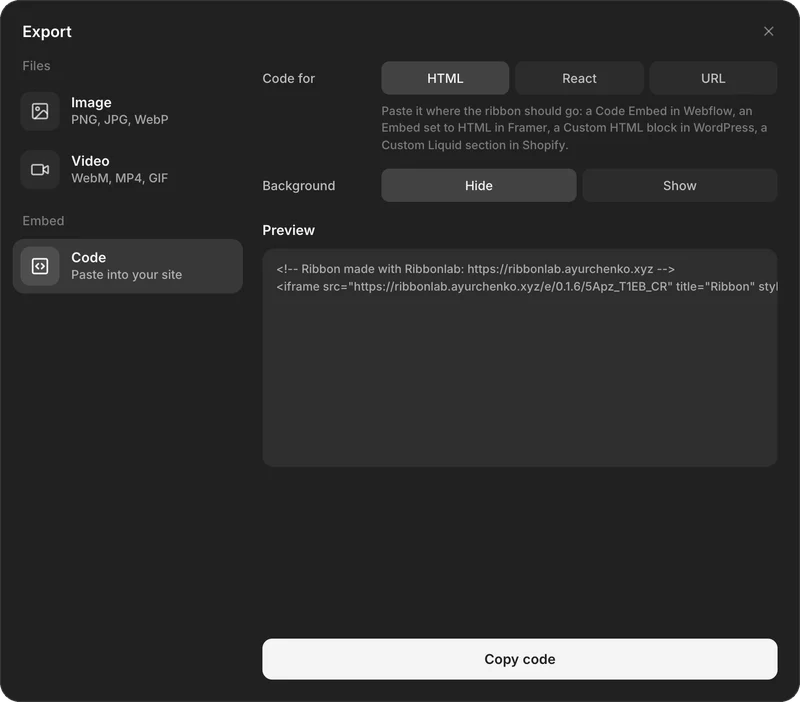
Then the site builders had their say. Framer strips script tags from HTML embeds, so the HTML snippet became an iframe of the ribbon’s own page, which loads in Webflow, Framer, WordPress and Shopify. React projects get a script snippet, and tools like Notion and Wix take a plain link. Each player version is frozen once it ships, so a snippet on someone’s site never breaks when I change the look.
I also built a lock that allowed each ribbon on named sites only, then removed it. It made the first use harder for everyone to stop a few people. Any site can show a ribbon now, and the server only notes which sites do.
Fast without a GPU
PageSpeed Insights first reported Error on every metric. Its test browser has no GPU, so WebGL runs in software, and opening the WebGL context alone held the page for one to two seconds. Real visitors never saw this, but search engines and the score did.
The fix has three parts. The page checks the GPU in a worker before it opens WebGL. Without a GPU it shows a still image of the ribbon until the first click or key press. The renderer opens on the first frame it draws, after the page has painted. Mobile went from 31 to 80 and desktop from 41 to 98, and Accessibility, Best Practices and SEO score 100.
Launch and search
Ribbonlab went live on 11 October and launched with one LinkedIn post the next day. It has a guide for each place people use it: Framer, Webflow, React and Next.js, and WordPress. Structured data and an llms.txt file describe the tool and its author, so search engines and AI assistants can say what it is and who made it.
What is next: a fit-to-frame option for small embeds, where the ribbon gets cropped today, and live tests inside Webflow and WordPress sites.
What it shows about how I work
Ribbonlab is a small product, and it went through the same steps as a client product. Who it is for and what to leave out. An interface tested against the real thing. Engineering trade-offs on distribution and speed. A launch planned around search. Most of the decisions above are removals: the HTML export, the site lock, the presets window, the swipe. They were cheap to make because the person deciding was also the person building.
I work the same way with teams, from deciding what to build to a working product in production. See Fractional Product Architecture & Design, start with a Product Diagnosis, or email me.
Questions
Is Ribbonlab free?
Yes. The editor, every export and the embed code are free, and there is no account to create.
How do I add an animated 3D background to my website?
Open Ribbonlab, tune a ribbon, then choose Export and Code. The HTML snippet goes into a code embed in Webflow, Framer, WordPress or Shopify, React projects use the React snippet, and the guides show each builder step by step.
Can I export a seamless looping video?
Yes. Turn on Seamless loop in the Motion folder, set the loop length, and export one loop as MP4, WebM or GIF. WebM keeps a transparent background.
What is Ribbonlab built with?
Plain JavaScript and three.js for the WebGL rendering, and a Cloudflare Worker that stores embedded ribbons and serves the player.
Who made Ribbonlab?
Andriy Yurchenko, an AI product architect and designer. He designed and built it on his own, and takes on products for teams from the first decisions to a working release.
Building something?
Tell me what you want to build. I take products from the first decision to a working release.